
Download and Install MultiChat
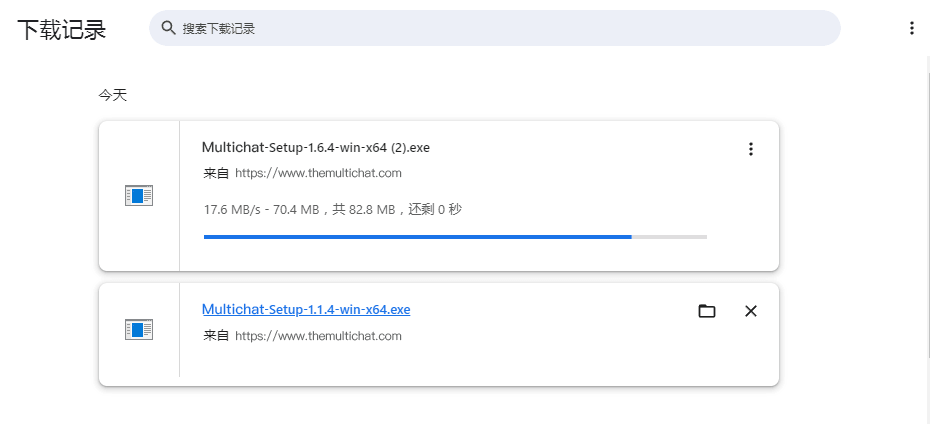
Download the client for your device from the official MultiChat download page.

Install on Windows
- Open the folder containing the downloaded installer.
- Double-click
MultiChat.exe. - Follow the setup wizard.
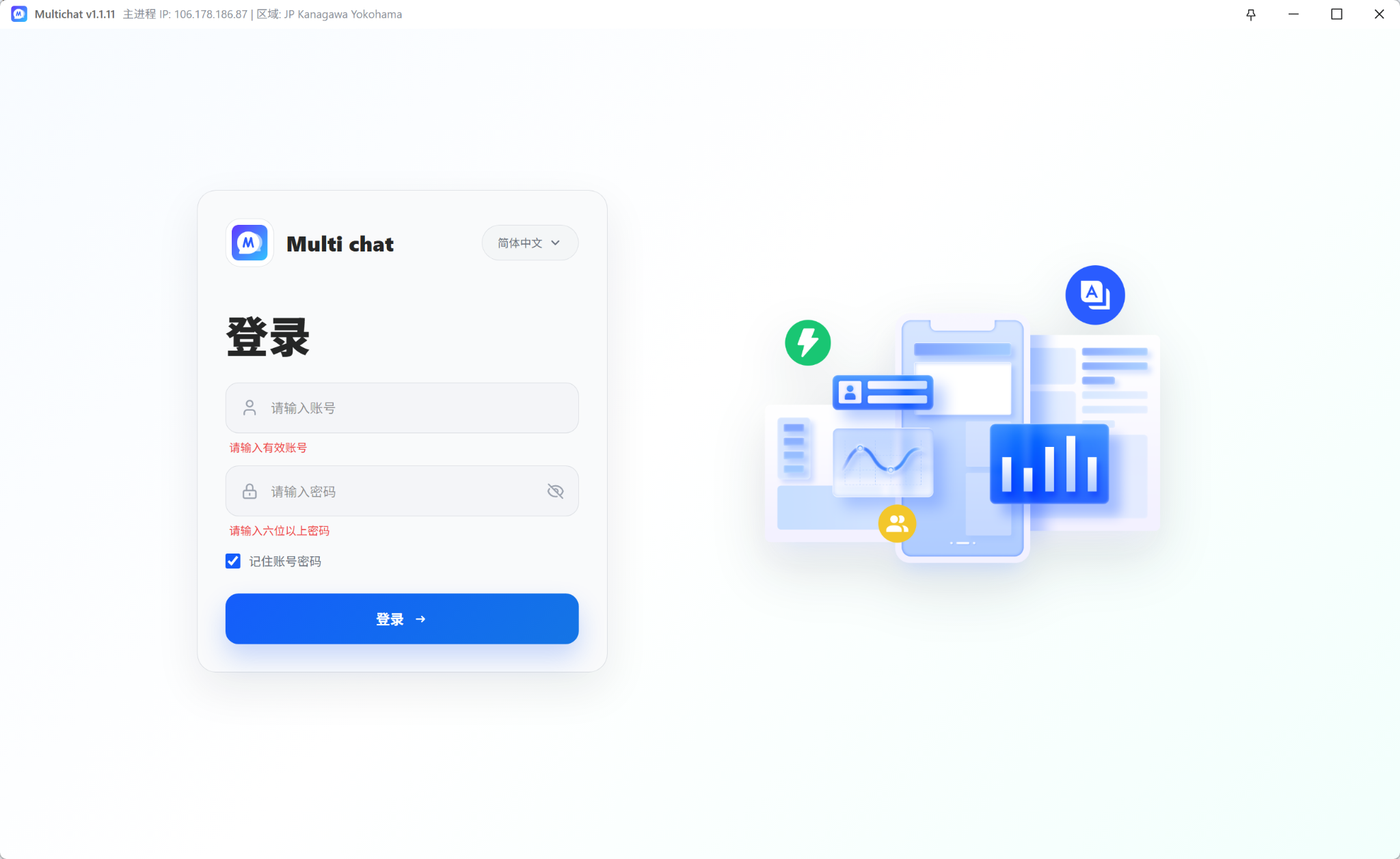
- Launch MultiChat and sign in with your agent account.
Installation troubleshooting
- Confirm that the installer came from the official MultiChat website.
- Check that the device has enough free storage, then download the installer again.
- If Windows shows a security notice, verify the publisher and download source before continuing.
- If the issue continues, contact support with your system version and an error screenshot.