Create a Chat Plugin and Chat Link
A chat plugin can be added to your website or application. MultiChat generates an AppKey and visitor chat link when you create it.
Create a plugin
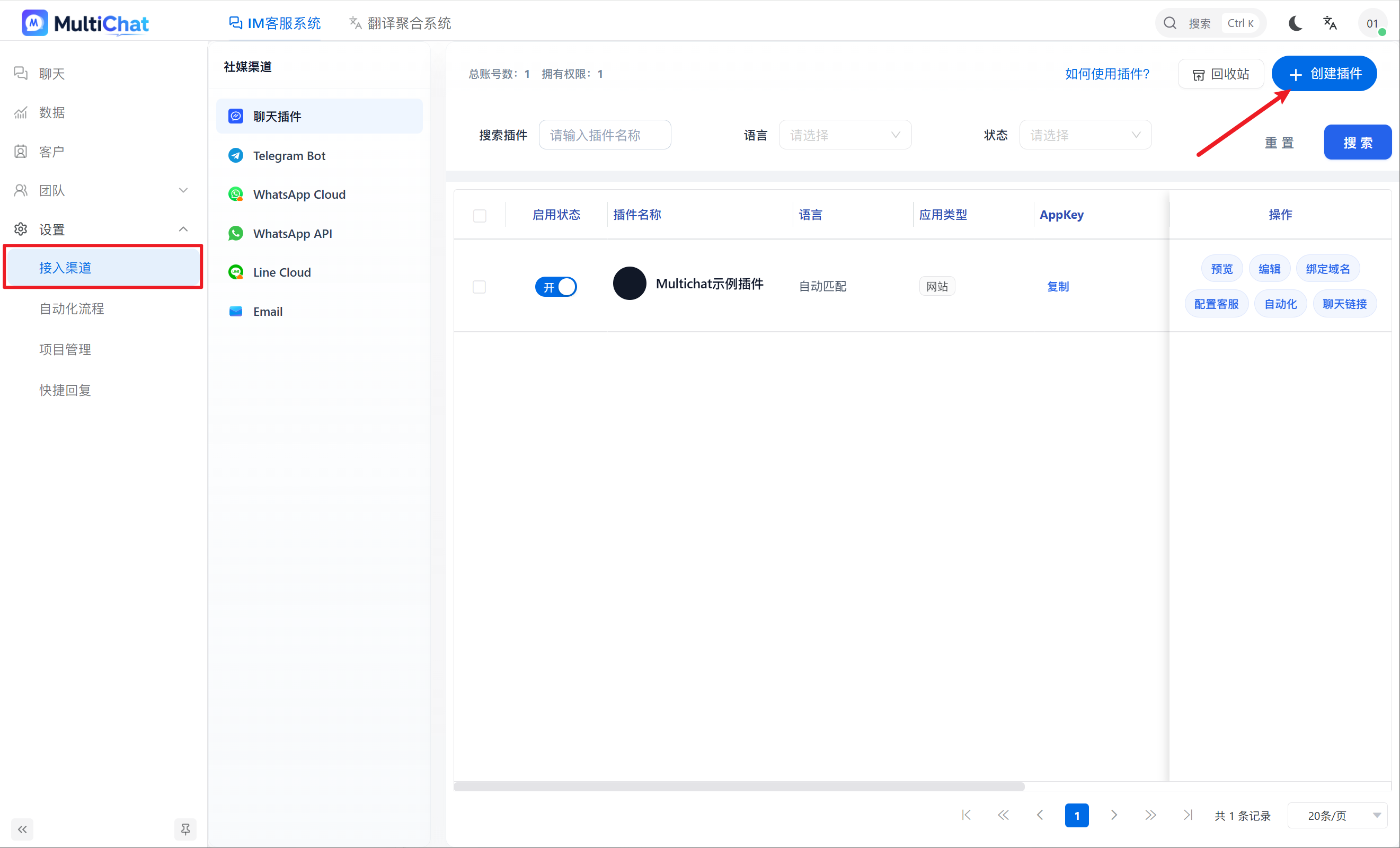
- Go to “Customer Service Management → Integrations → Chat Plugin”.
- Click “Add Plugin”.
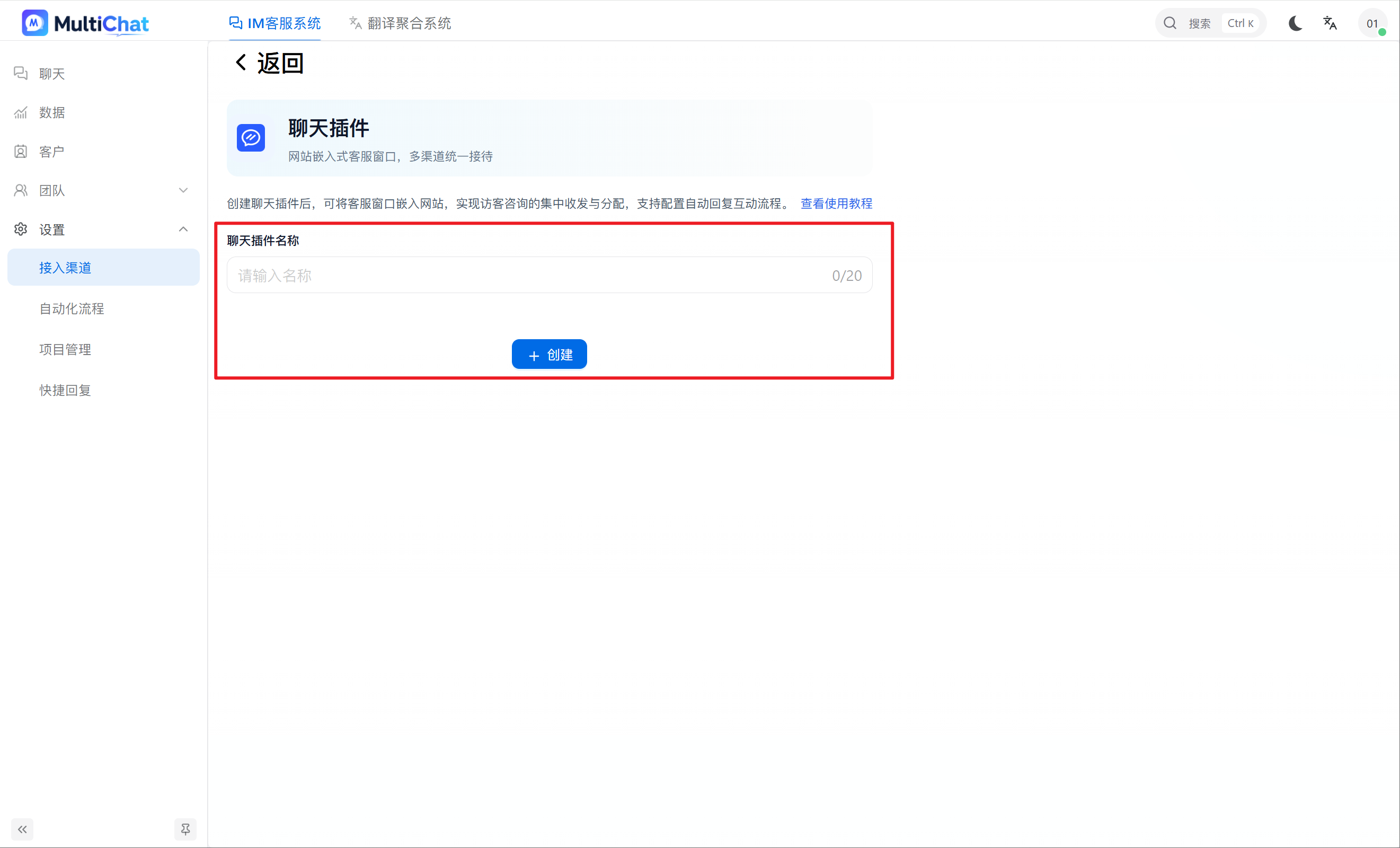
- Enter a plugin name and confirm.
Get the AppKey and chat link
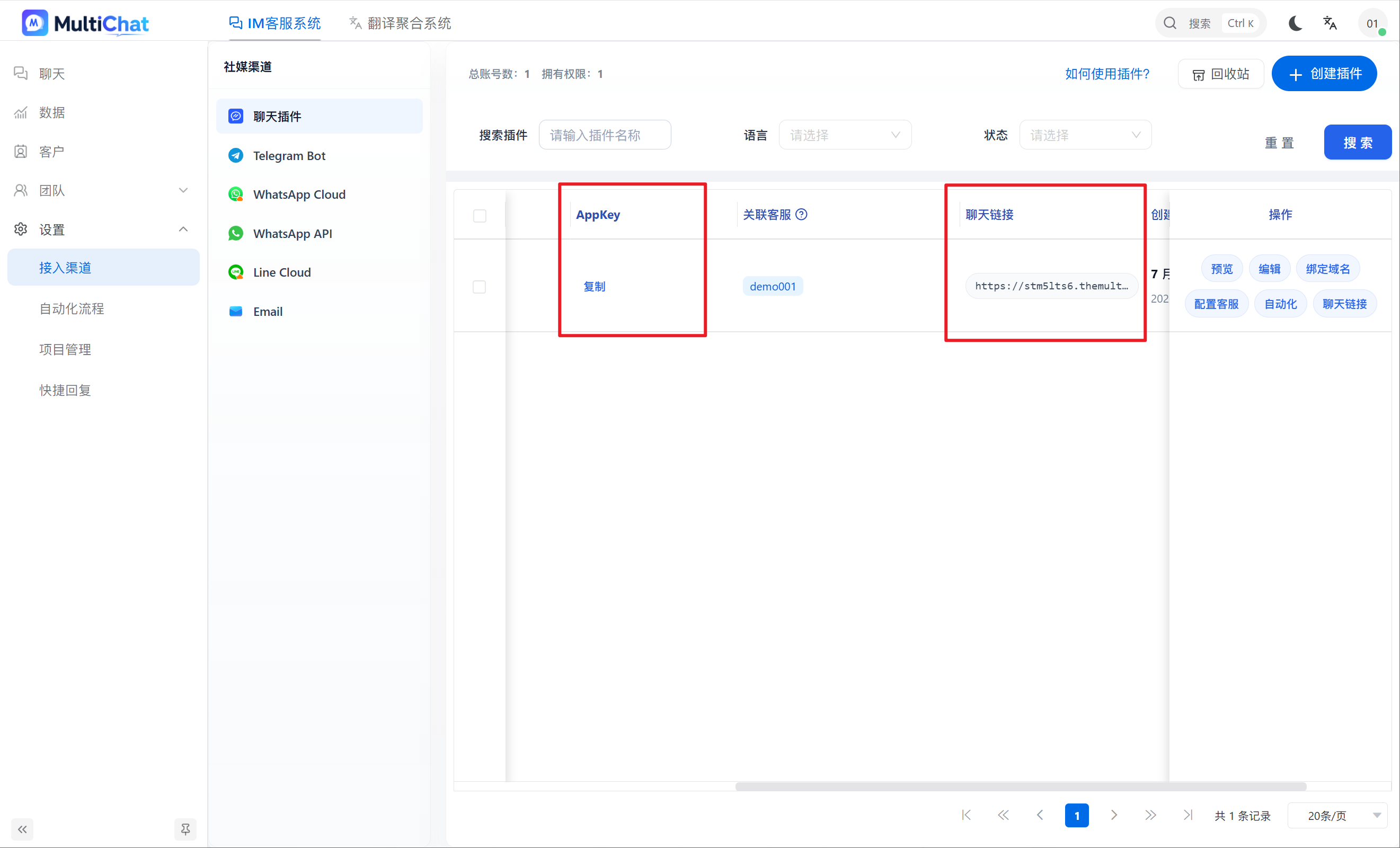
After creation, the plugin list shows its AppKey and chat link. Copy the link or click the Chat Link action to preview the visitor experience.
Edit the plugin appearance
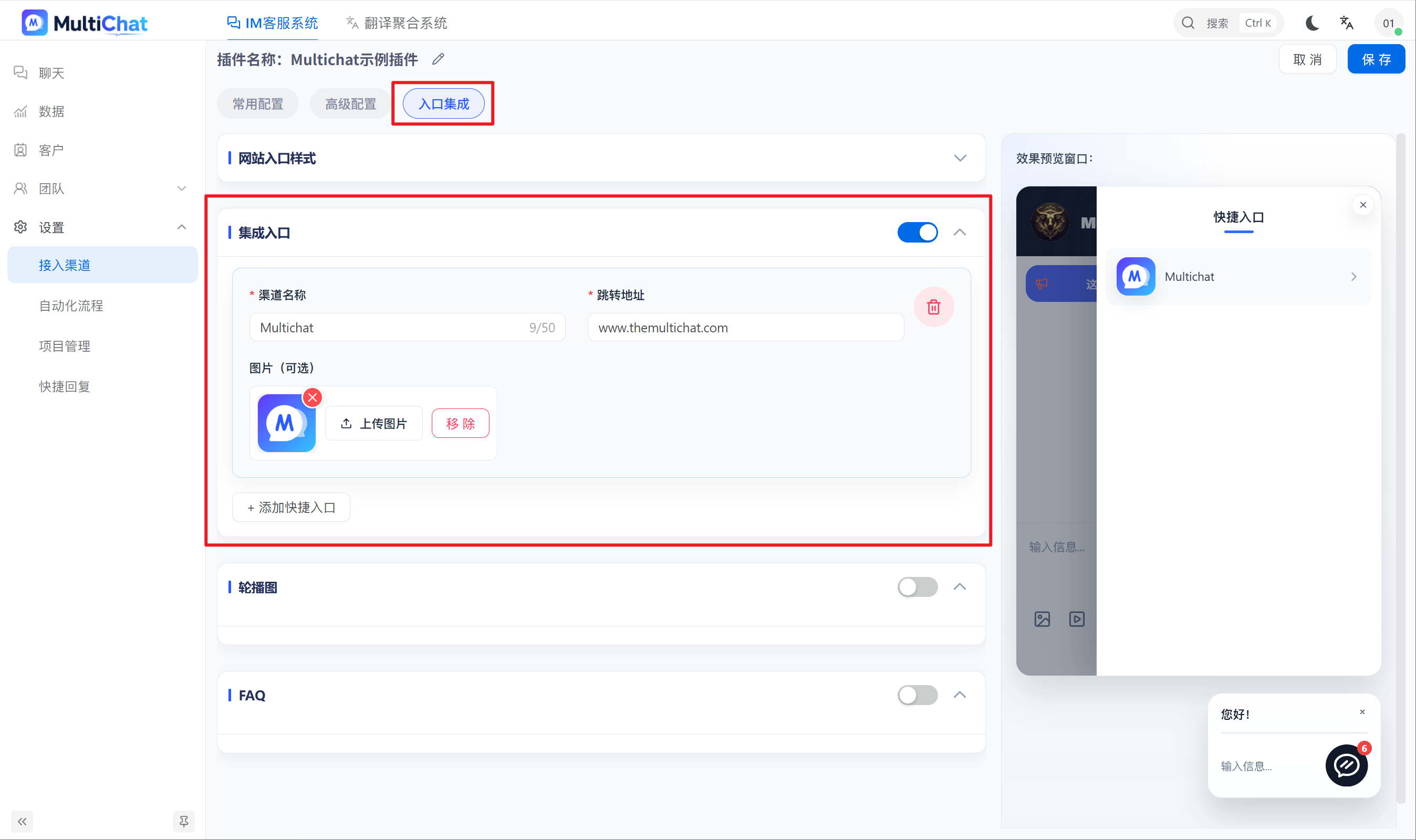
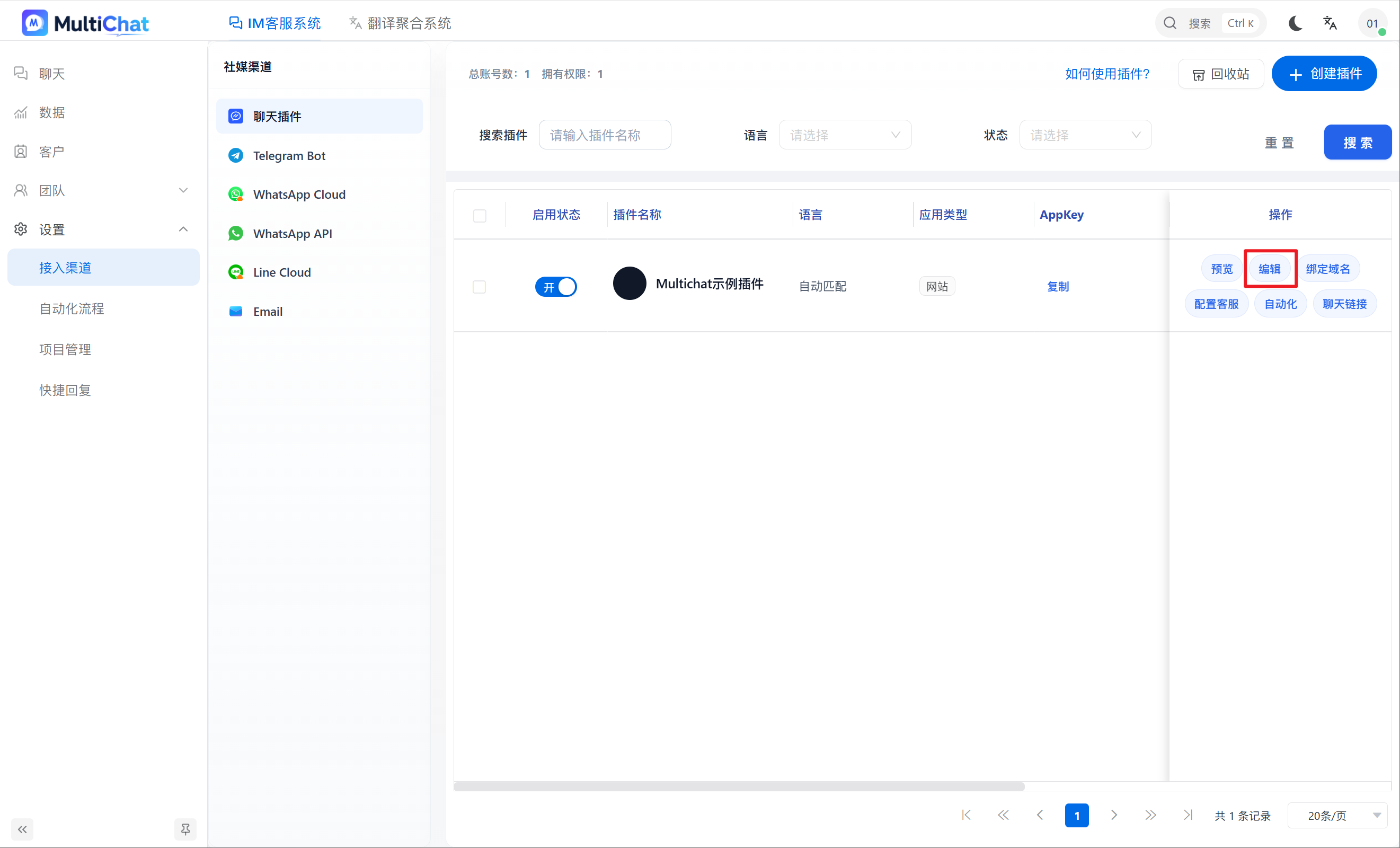
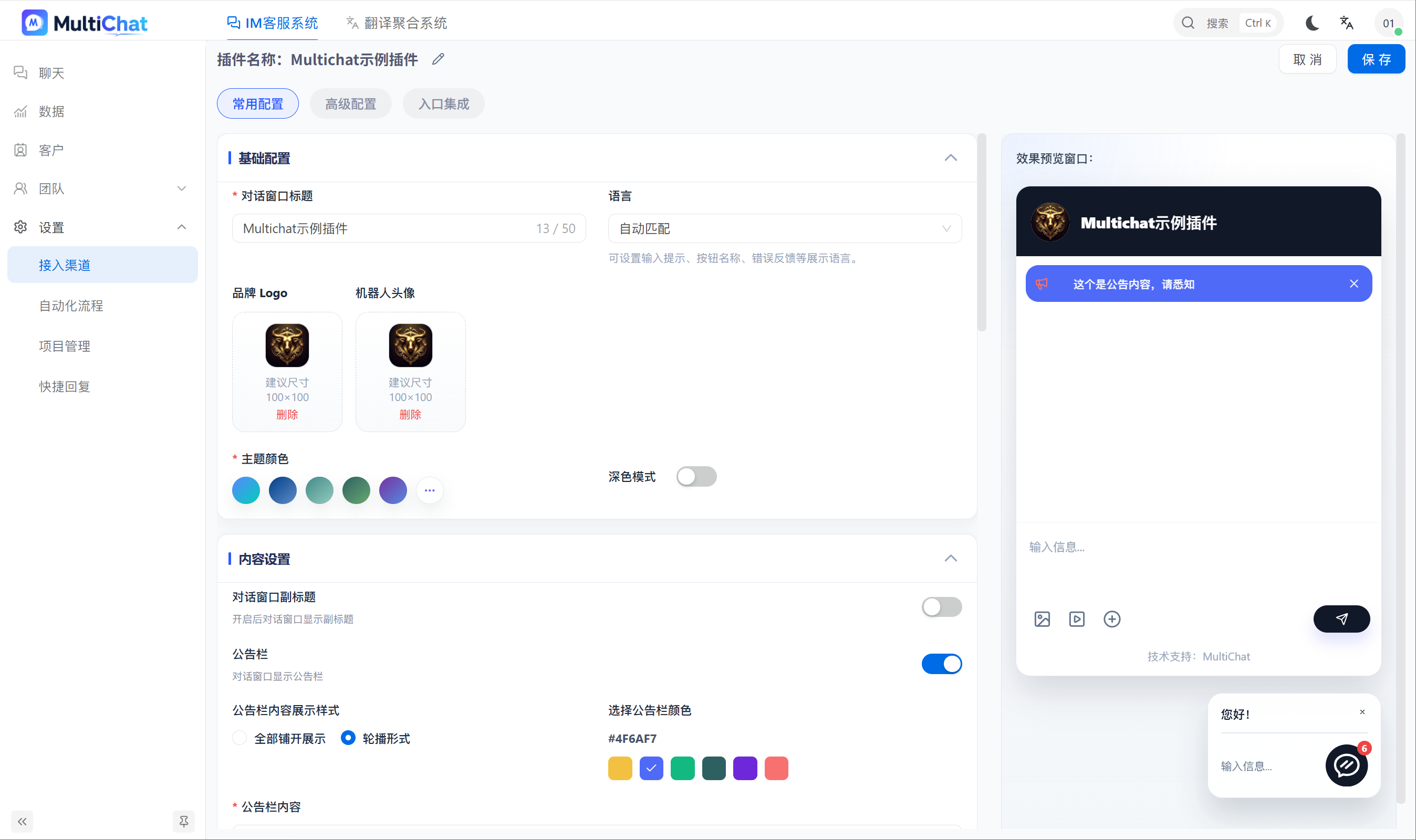
After creating a plugin, click Edit in the plugin list. You can change the merchant avatar, bot avatar, pre-chat form, quick links, and other settings.
Common plugin settings
Basic settings
- Conversation window title: The main title displayed in the chat window
- Brand logo: The icon displayed at the top of the chat window
- Bot avatar: The agent avatar used for automated and AI replies
- Theme color: The main color of the visitor chat interface
- Language: The language displayed in the chat interface
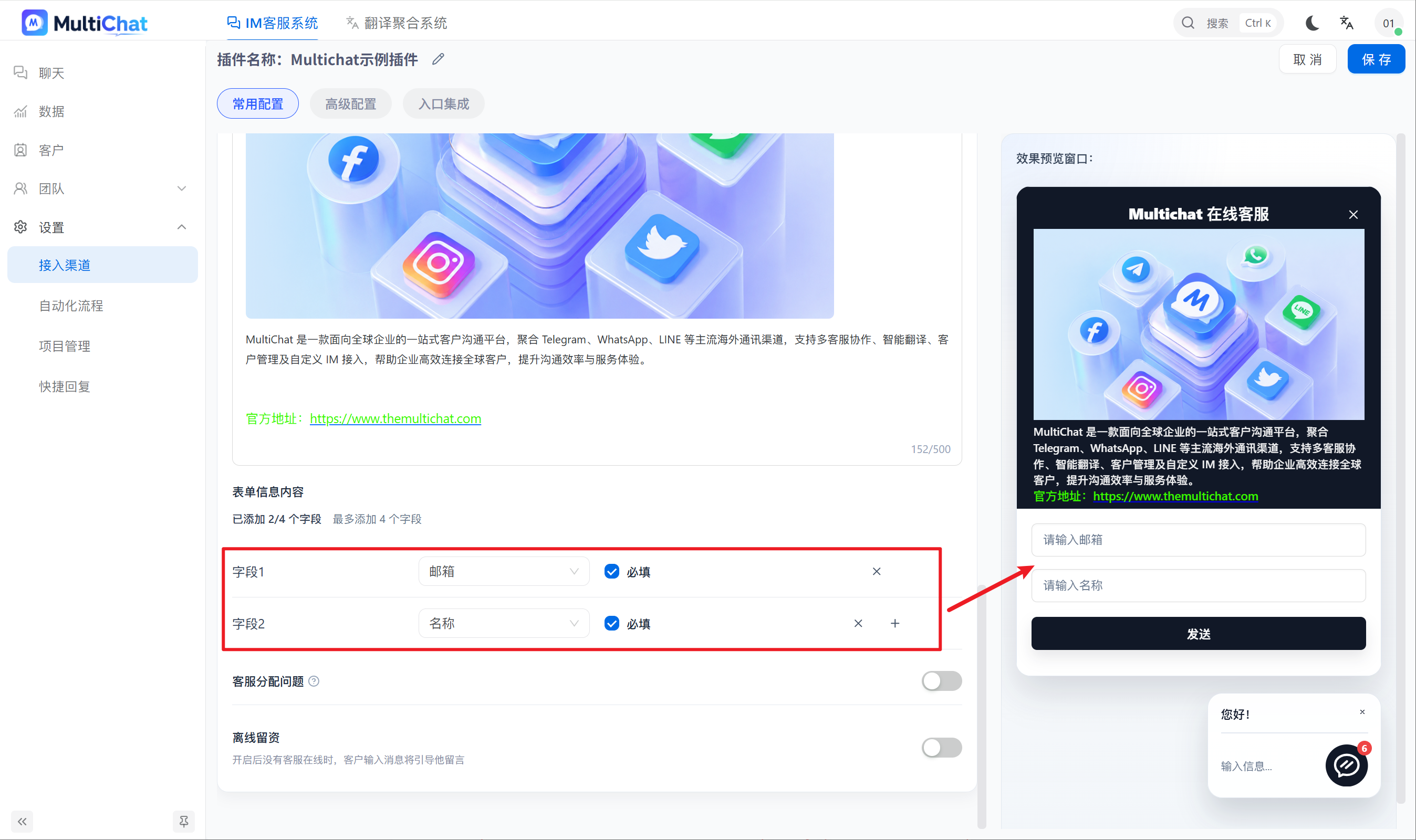
Information collection
Use custom fields to collect a visitor's name, phone number, email address, and other business information before the conversation starts.
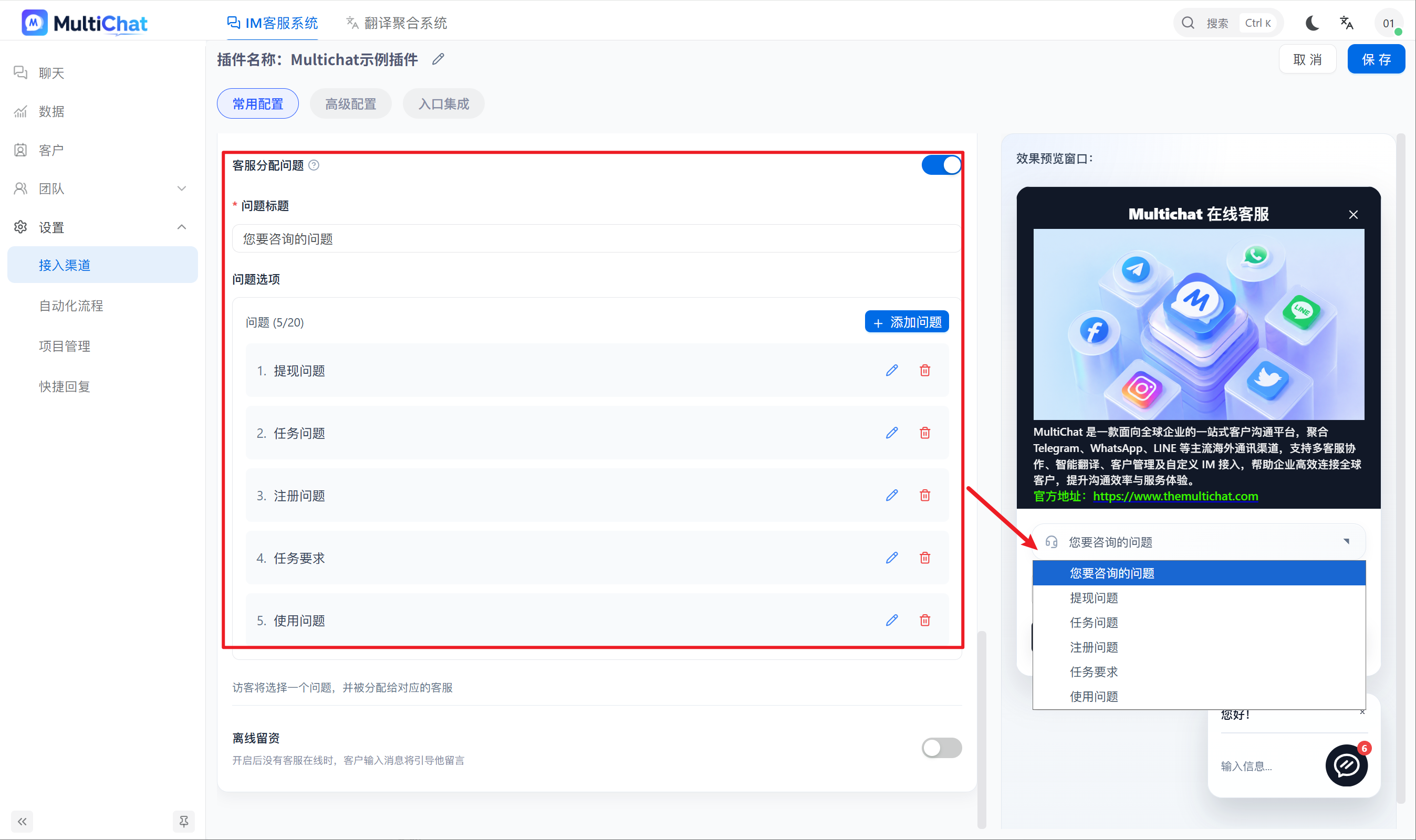
Agent assignment questions
Assign specific agents according to the question selected by the visitor and track how often each question is selected.
Quick-entry integration
Enter the required information to create a quick entry.